Describe it
Pick a style, a spot and a size. No prompt skills needed. A few words about your idea are enough, and your choices are saved as you go.
Turn your tattoo idea into design concepts, then try them on a photo of your own skin.

Android coming soon.
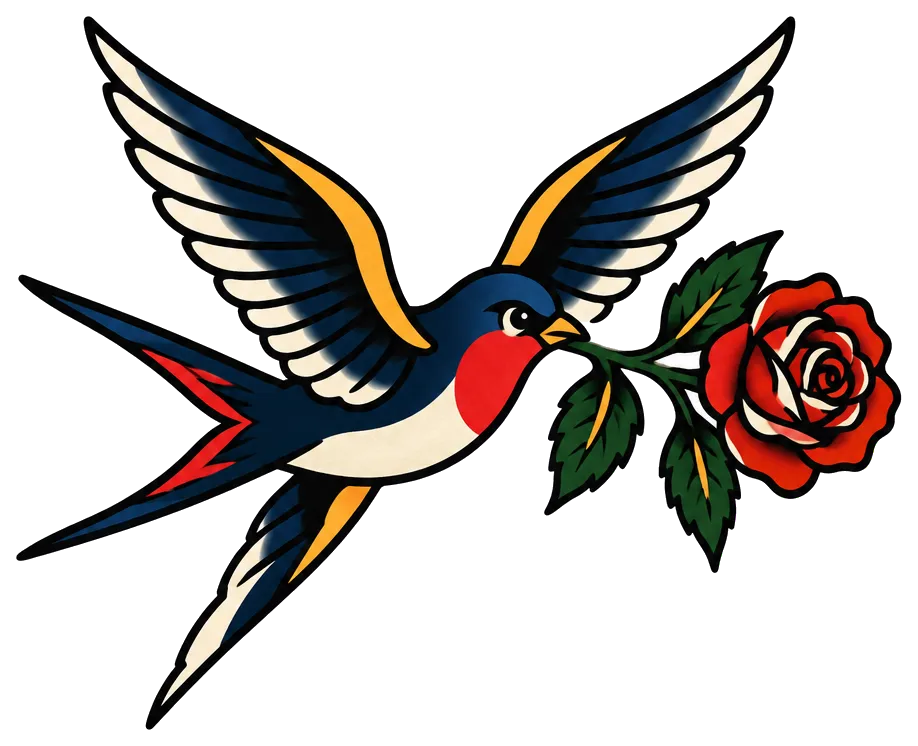
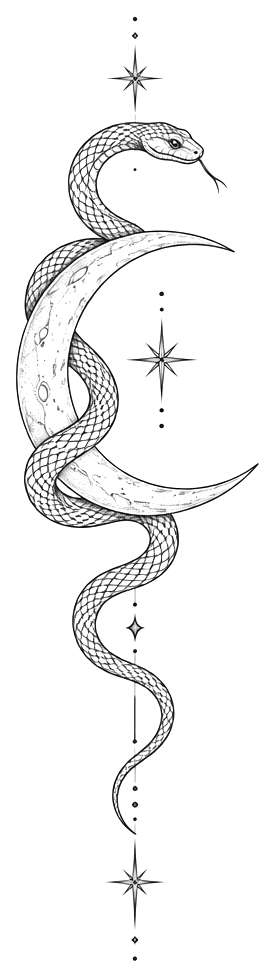
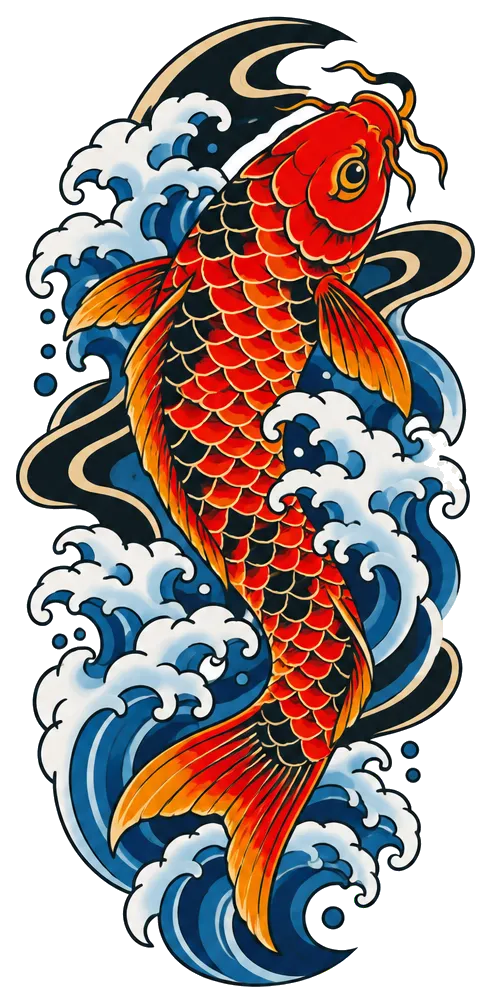
12 styles, 12 placements, 4 sizes. No prompt skills needed.
How it works
Design it. Try it on. Take it to your artist.
Pick a style, a spot and a size. No prompt skills needed. A few words about your idea are enough, and your choices are saved as you go.
Tattoo design concepts on a clean background, usually in under a minute. Not quite it? Ask for more like this, simpler, bolder, more detailed, or another style.
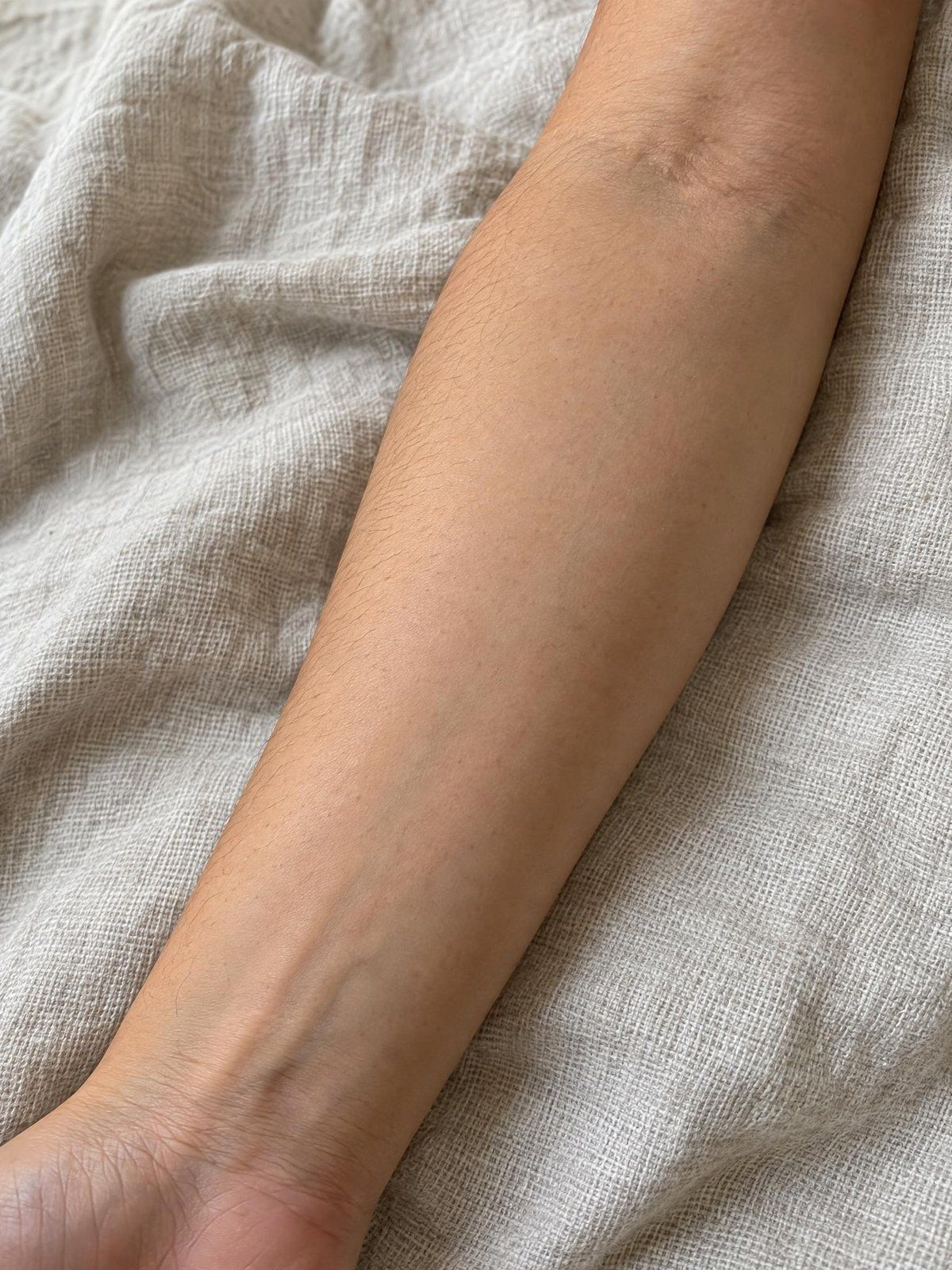
See the design on a photo of your own skin. Drag, pinch, rotate and fade it until it sits right.
Your body photos stay on this phone.
Preview on the app's sample photo. Concept only.
Share a clear reference to refine together: the design, your preview, or a one-page artist brief.
Preview on the app's sample photo. Concept only.
Styles
Fine line to Japanese, dotwork to script. Your choices become a tattoo-specific brief, so you get tattoo designs on a clean background, not random illustrations.
Japanese
Fine line
Traditional
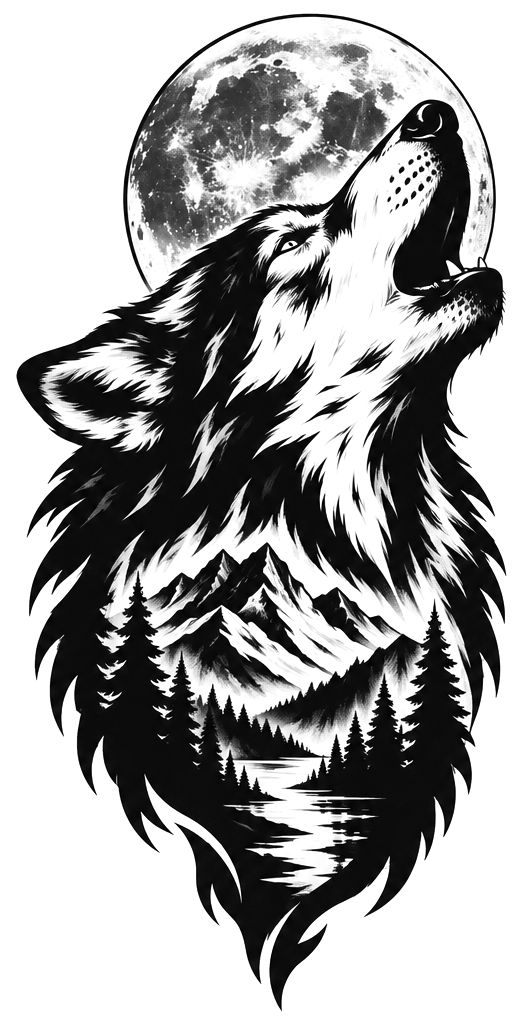
Blackwork
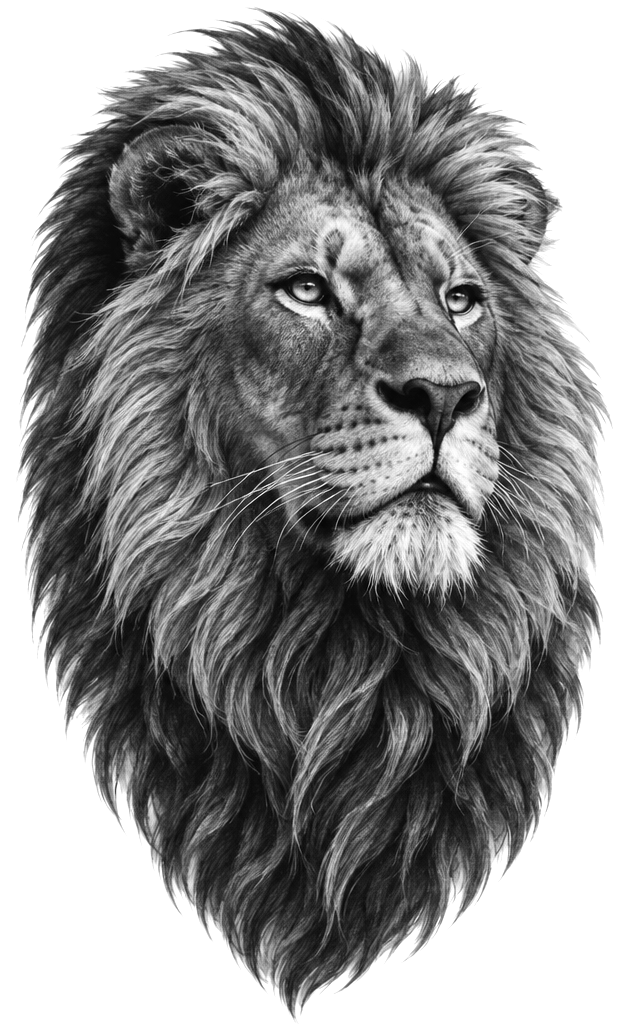
Realism
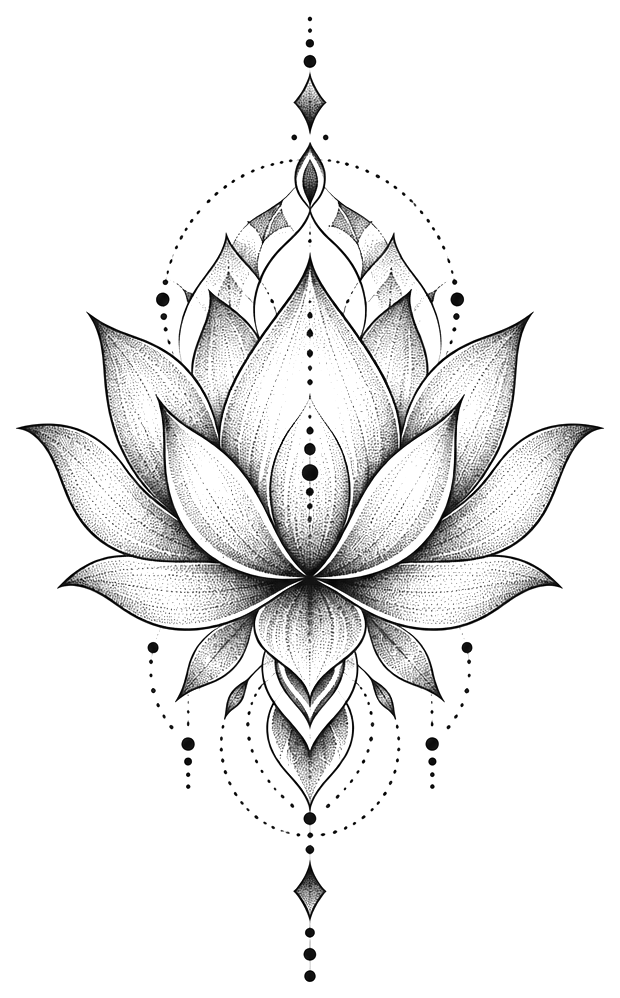
Dotwork
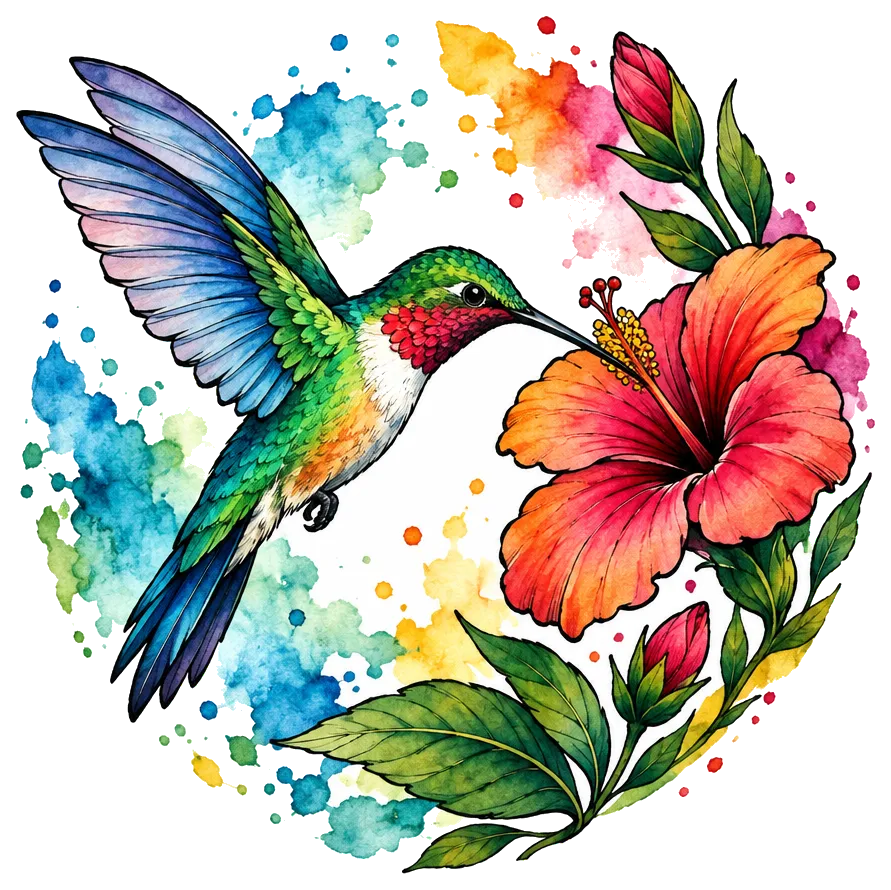
Watercolor
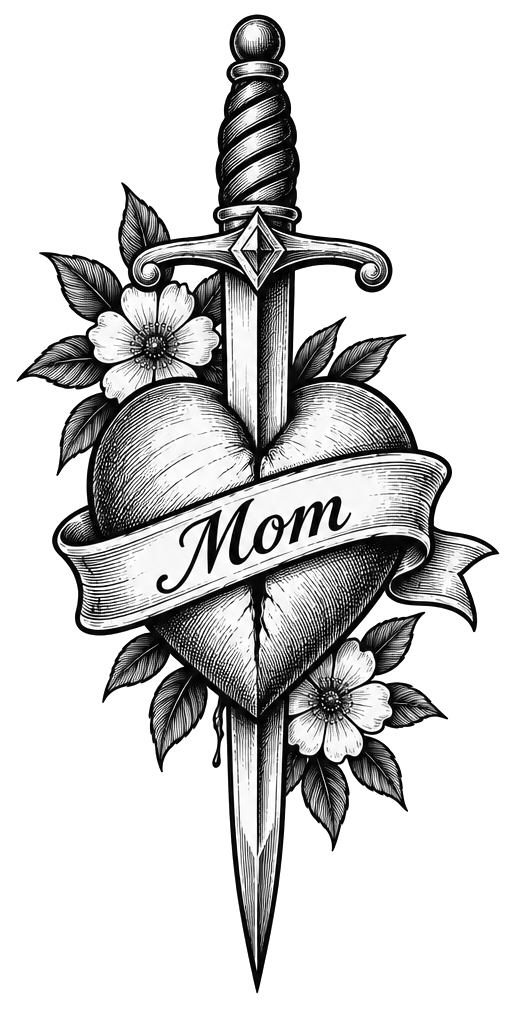
Illustrative
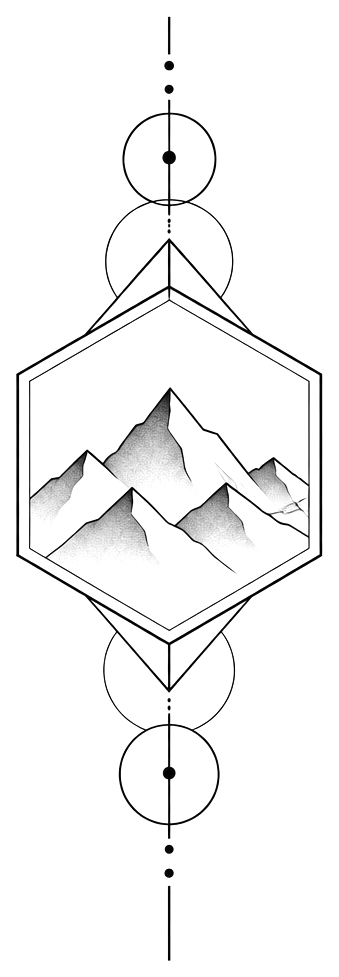
Geometric
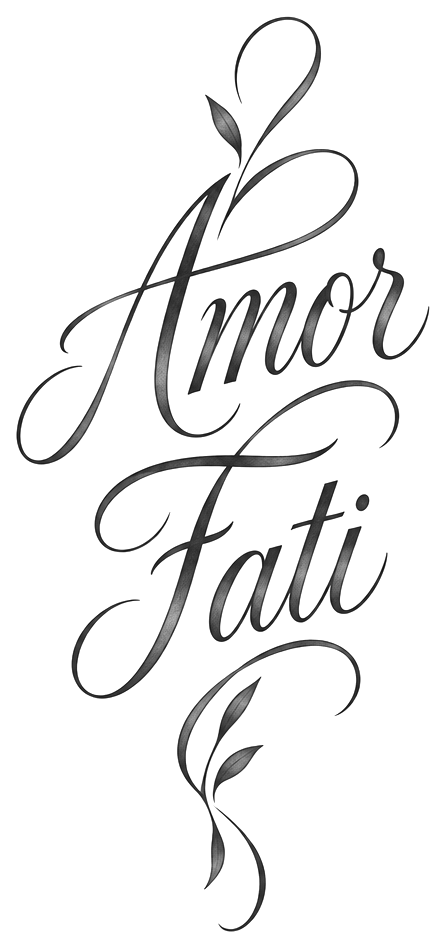
Script / lettering
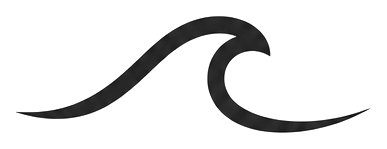
Minimalist
Then pick black & grey or color, and how detailed it should be.
Every design on this page is an AI concept made with Tatwise.
Privacy
Planning a tattoo is personal. Here is what happens to your photos and your designs.
Read the privacy policyTry-on happens on your device. We never upload your body photos.
No sign-up and no email. Tatwise creates a private, anonymous account for you.
They're stored privately in the EU. Other people can't see them.
We don't use your photos to train AI. A reference photo you add goes to our AI provider only to draw your design and isn't kept on our servers.
For your artist
Tatwise designs are concepts, not stencils. Bring your favorite concept, your preview or a one-page artist brief to your tattoo artist. They'll adapt it to your skin, the placement and their own craft.
FAQ
What people ask first. The rest is on the FAQ page.
All questionsTatwise is an AI tattoo generator app made for planning a real tattoo. You describe an idea and pick a style, a placement and a size instead of writing prompts, refine the concepts, try them on a photo of your own skin, and share them with your artist as a one-page brief. Designs are concepts to talk through with a tattoo artist, not stencils, and the body photos you use for try-on stay on your phone.
No. Describe your idea in a few words, then choose a style, a placement, a size, black & grey or color, and how detailed it should be. Tatwise turns those choices into the AI prompt for you.
It's a photo-based preview to judge size, placement and how the design reads on you. It isn't AR, and it can't show exactly how ink will look or heal on your skin. Your artist can tell you how a design will fit and age.
No. Try-on happens on your phone, and your body photos are never uploaded to our servers. A preview you save or share goes only where you send it.
Tatwise is free to download, and your first designs are free. Tatwise Pro, a weekly or yearly subscription, gives you more designs and refinements. The app shows the price for your country before you subscribe.
Android coming soon.